Photo to coloring page
Turn a Photo Into a Coloring Page
Upload one photo and get clean, printable line art back in minutes: closed shapes, pure white background, no gray smudge. Then keep going and turn the same photo into a five-page coloring book with your subject in five different scenes.
Free 2-page preview from your own photo · 20 free credits · No card required
How it works
- 1
Upload a photo
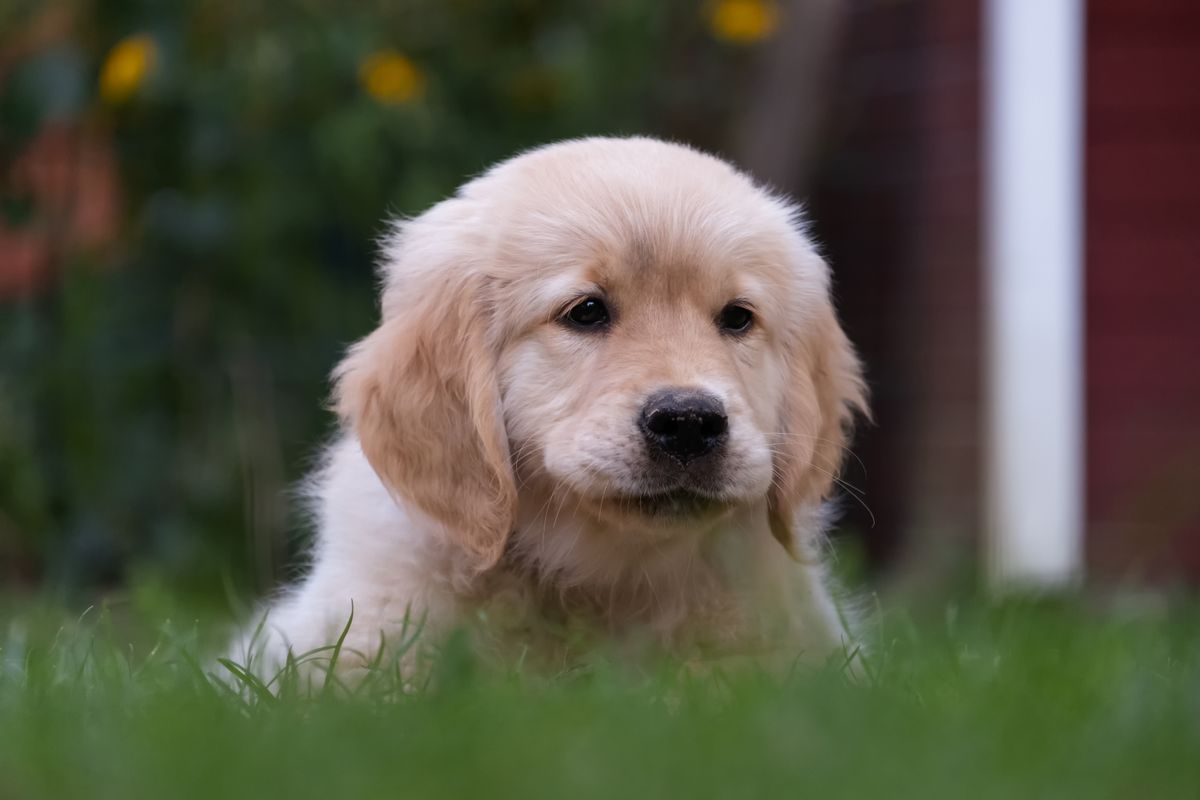
Any phone photo works. A clear face and decent light matter more than resolution. Pets, kids, couples, the whole family.
- 2
Pick a style
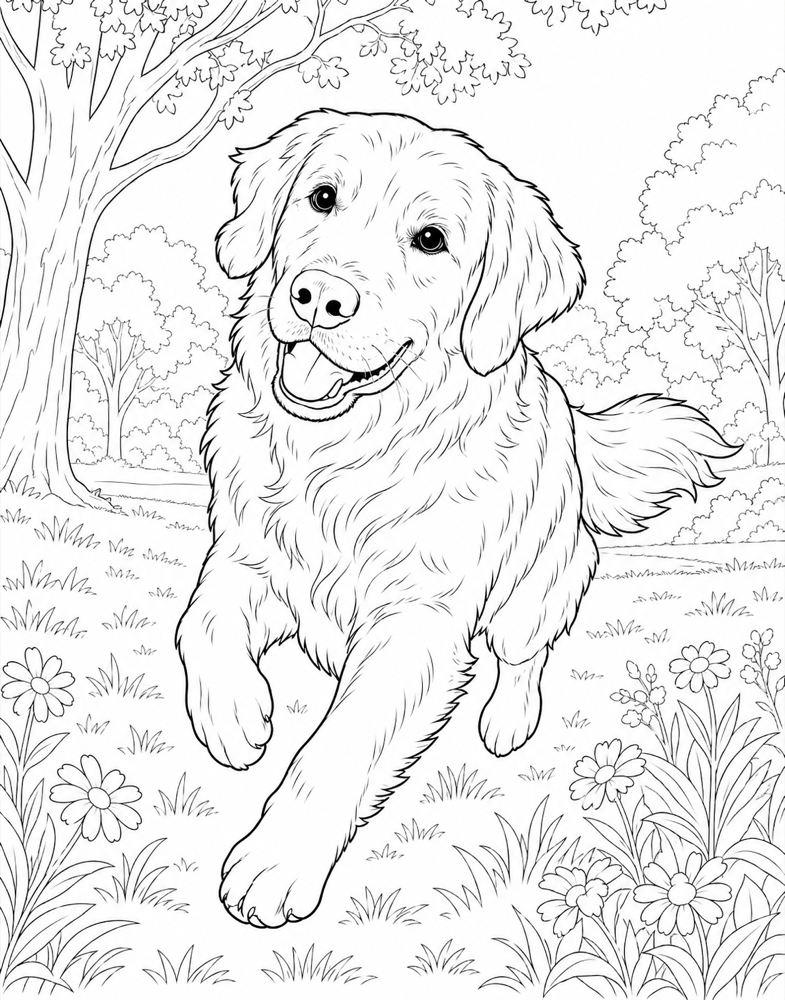
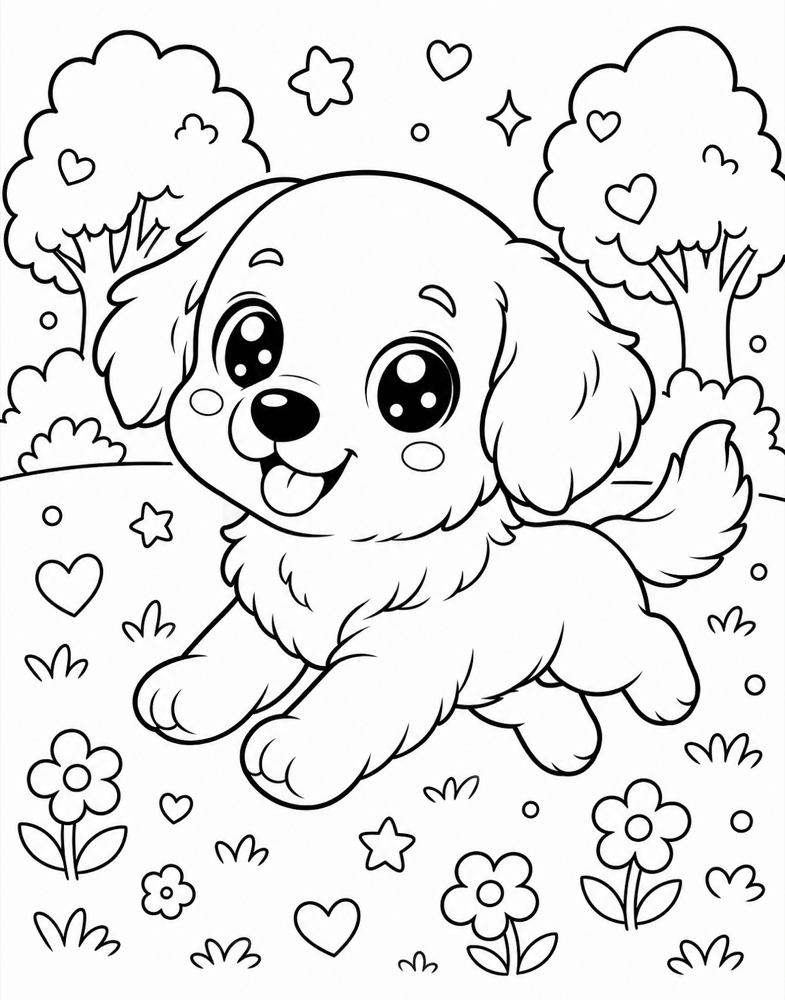
Realistic keeps the likeness, like a published adult coloring book. Cartoon makes a big-eyed character for toddlers. Same photo, your choice.
- 3
Download and print
Preview two pages free. Like it? Finish the five-page book and download PNG pages plus a print-ready PDF with a cover.
Two styles, same subject
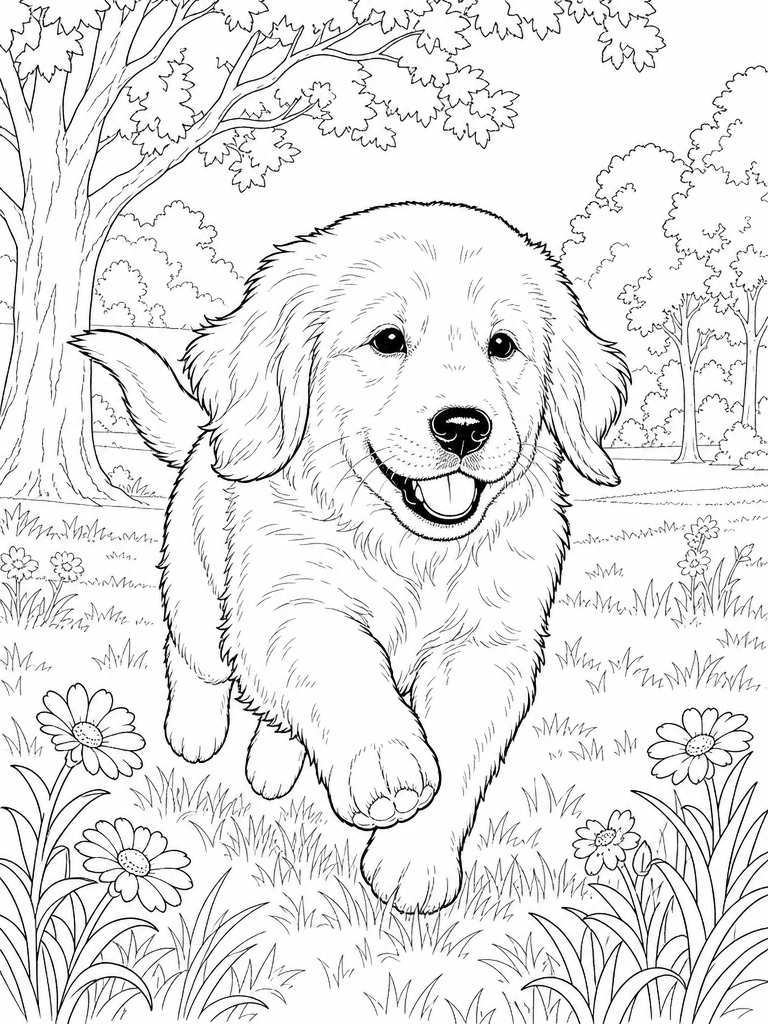
Realistic keeps the likeness for adults and older kids. Cartoon turns the same photo into a big-eyed character for toddlers. Both come from the one photo on the left.

What "coloring page quality" actually means
Most photo-to-sketch apps give you a gray pencil filter. It looks fine on a screen and terrible on paper: soft edges, halftone dots, open shapes with nowhere to stop coloring. A real coloring page is different. It has bold black outlines on the subject, thinner lines on the background, every region closed, and a pure white background so the printer only lays down black ink where a line belongs.
LineArt draws pages to that standard because that is what the pipeline was built for. The page you get back is the kind of line art you see in published pet and nature coloring books, at 3:4 portrait proportions that print cleanly on letter or A4 paper with a margin.
One page or a whole book
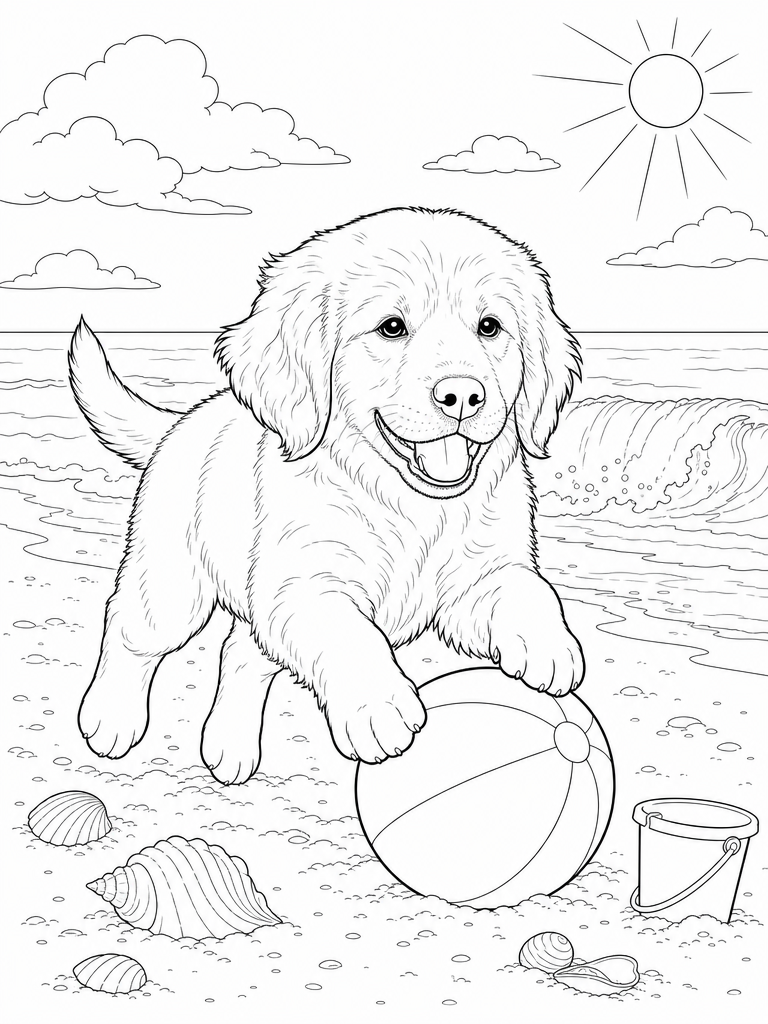
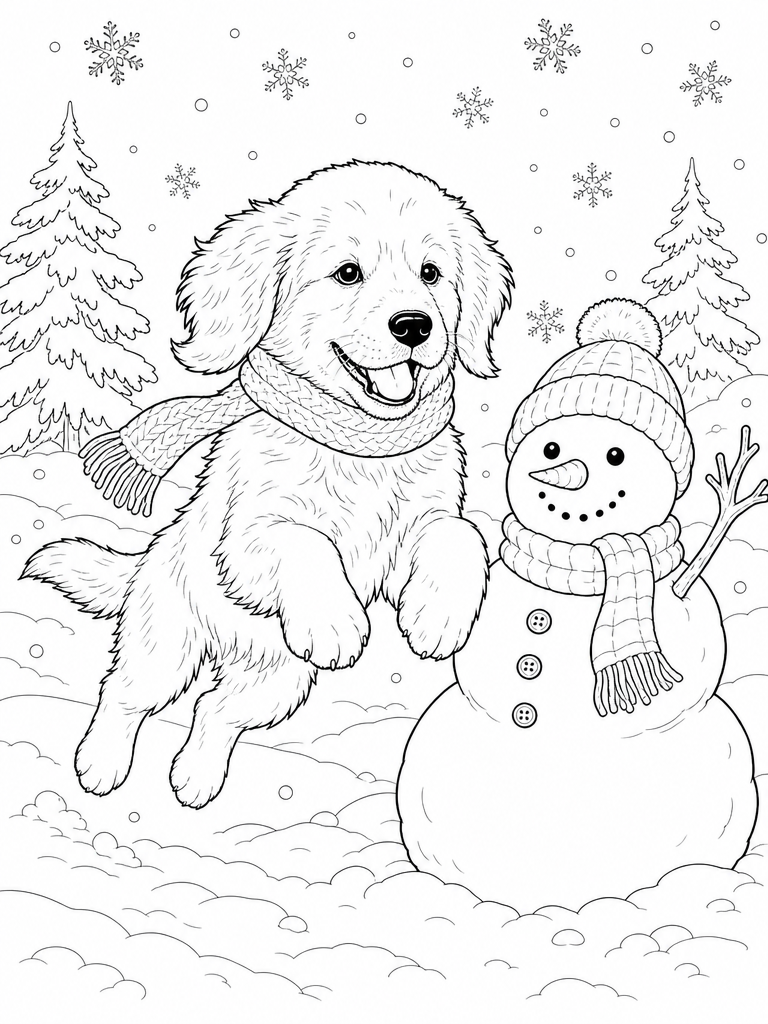
Turning a single photo into a single page is the easy part. What LineArt does that a filter cannot is keep the same subject recognizable across new scenes. Upload one photo of your dog and you get the same dog running in a park, digging at the beach, asleep on the couch, out in the snow and at a picnic. That consistency is what turns a page into a book someone actually wants to color through.
The free preview is two pages from your own photo, so you can judge the likeness on your subject, not on our samples. A full book is five pages and starts at $9.
What to send for the best result
A three-quarter or full-body view with the face clearly visible works best for realistic style. Head-on close-ups work too, but the model then has to invent the body. Good light and a simple background help. Anything worn in the photo, such as a harness, hat or collar, is treated as part of the subject and drawn on every page, so remove it first if you do not want it in the book.
What it costs
- Free two-page preview of your own photo before you pay anything
- Full five-page books start at $9 (100 credits, enough for two books)
- Every book includes PNG pages and a print-ready PDF with cover
- Commercial license included: sell what you make
Frequently asked questions
See your own photo as a coloring page
Two pages from your photo, free, in about three minutes. If it captures your subject, finish the book. If not, you have spent nothing.
Start my free previewFree 2-page preview from your own photo · 20 free credits · No card required