Photo to line art converter
Turn a Photo Into Clean Line Art
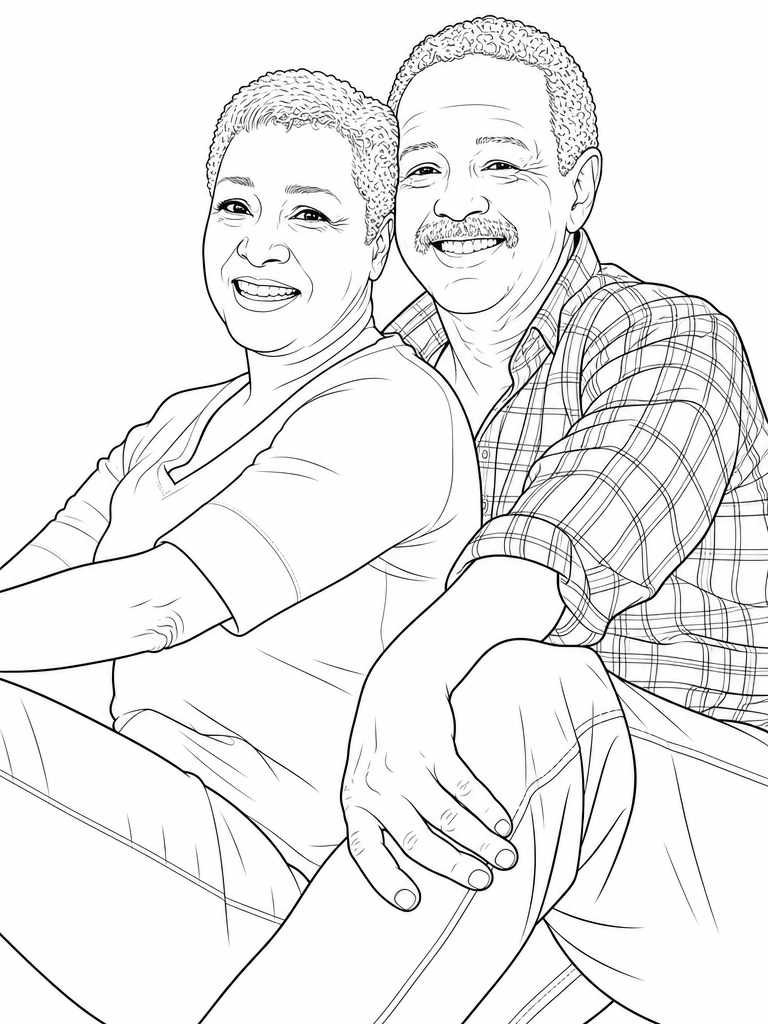
Upload a photo and get back real line art: closed black outlines on a white background, the kind you can print, color, trace or cut. Not a gray pencil-sketch filter, and not a stock illustration that happens to look like your subject — it is drawn from your photo.
Free 2-page preview from your own photo · 20 free credits · No card required

How it works
- 1
Upload one photo
A face in focus and decent light is all it needs. The photo above is an ordinary park snapshot, not a studio portrait.
- 2
Pick how detailed the lines should be
Realistic keeps the features, the hair, the folds in a shirt. Simpler styles drop detail for bolder lines that hold up when a child colors them or when you print small.
- 3
Download it, or keep going to five pages
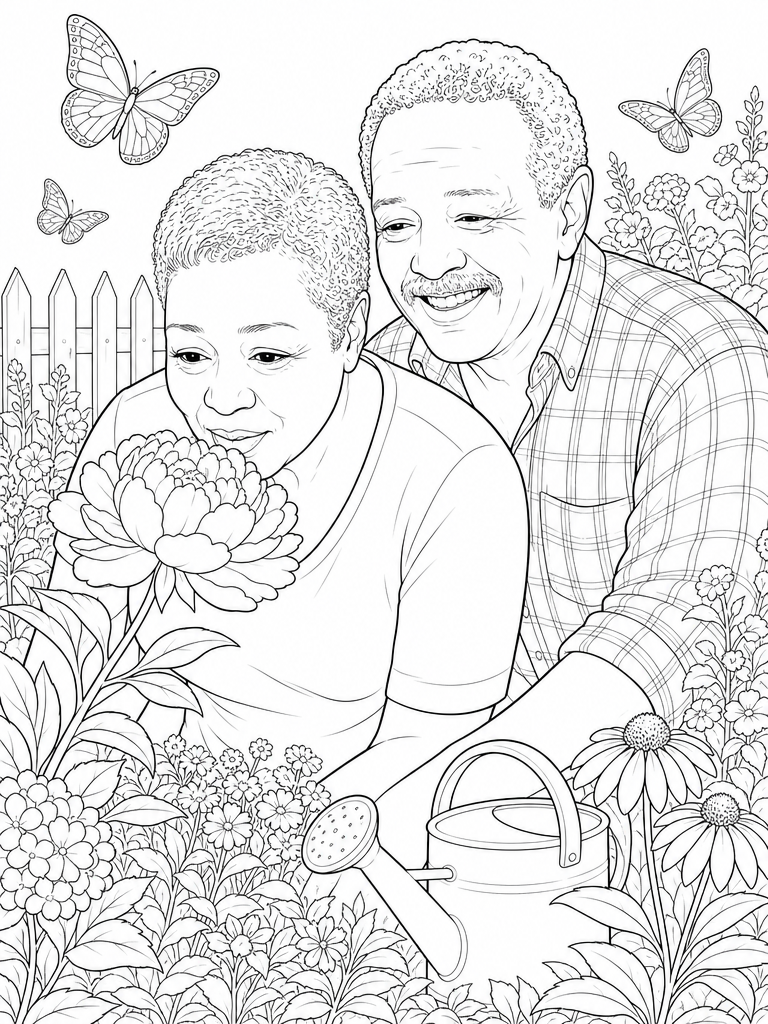
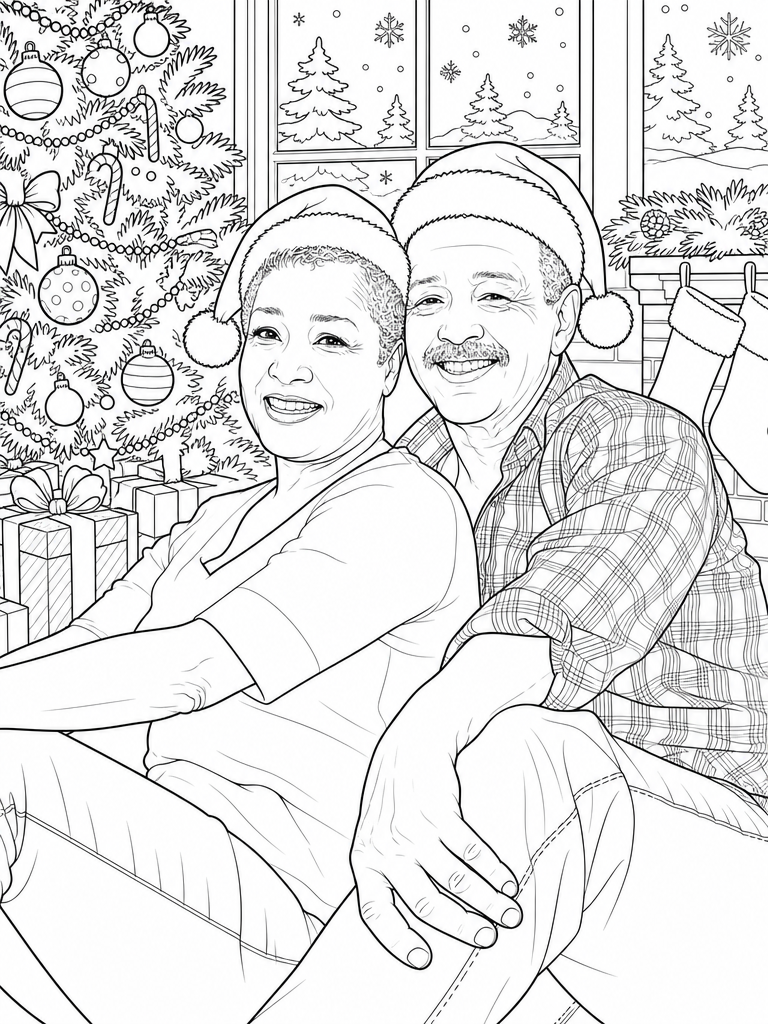
One photo gives you one line art page. The same photo can also become a five-page set with the same people in different scenes, plus a print-ready PDF. Preview two pages free before you finish.
Two styles, same subject
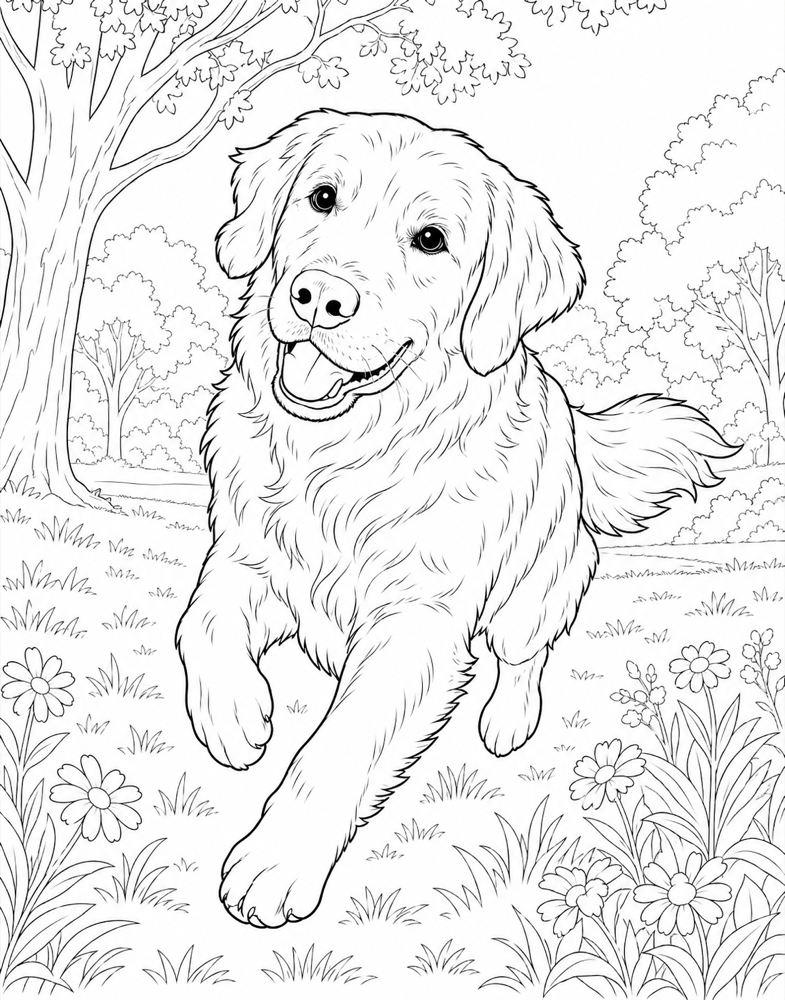
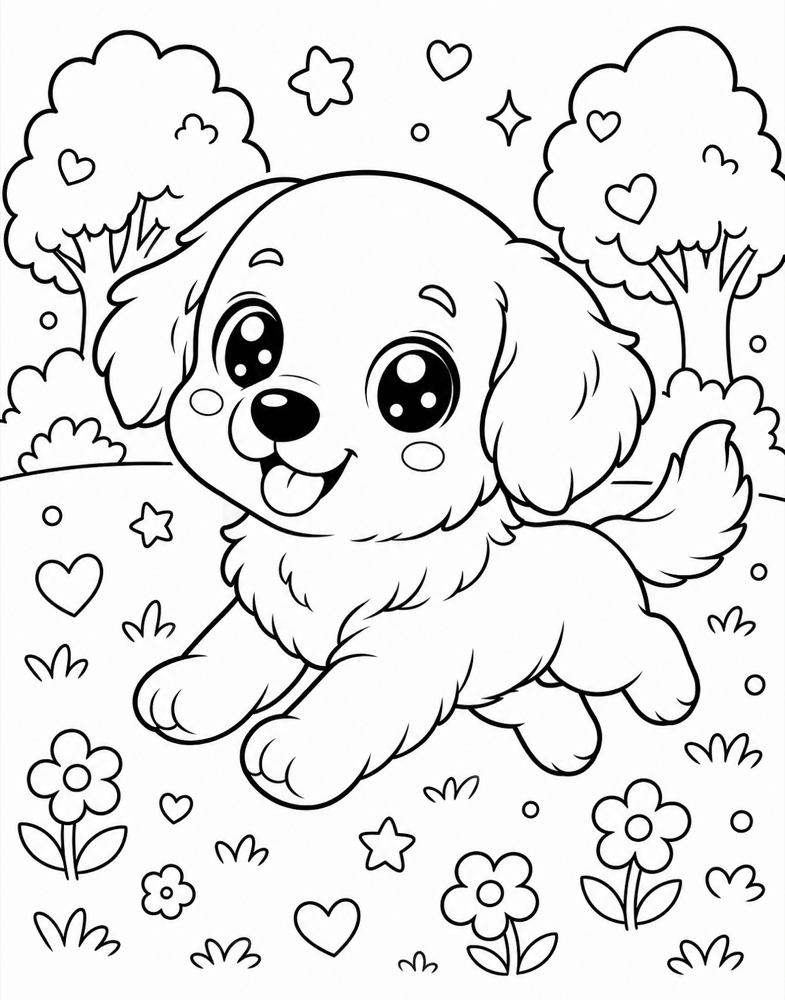
Realistic keeps the likeness for adults and older kids. Cartoon turns the same photo into a big-eyed character for toddlers. Both come from the one photo on the left.

Line art, not a sketch filter
Most "photo to line art" tools run an edge-detection filter. You can tell by the result: gray hairline strokes instead of black, lines that fade out where the contrast was low, and shading left behind as a smudge. That looks fine on screen at full size and falls apart the moment you print it or try to color it, because the shapes never close.
LineArt redraws the photo instead of filtering it. Outlines come out solid black at an even weight, shapes close so color stays where you put it, and the background is pure white rather than a wash of leftover gray. That is the difference between something you can look at and something you can actually use on paper.
What people do with line art from a photo
Coloring is the common one: a page of your own family beats a generic printable, and kids treat it differently when they recognize who is on it. Gifts are the next: a line art portrait of parents or grandparents, printed and framed, or a set of pages made into a small book for an anniversary.
Then there is the craft side. Line art is the starting point for an embroidery or quilting pattern, a stencil, a wood-burning or scroll-saw template, a vinyl cut, or a tattoo reference to bring to an artist. All of those need the same thing a coloring page needs — closed black outlines and no gray — which is why one clean conversion covers all of them.
Photos that convert well
Less depends on the photo than people expect. A close portrait, a half-length shot and a full-length shot with a whole lake behind it all come back as usable pages — the drawing is redrawn from the photo, not traced off its edges, so dark hair becomes curled linework rather than a black blob, and a treeline becomes layered outlines rather than a smudge.
What the photo does decide is how much scene you keep. Of the three we ran, the tight shot where the couple filled the frame came back as a pure portrait on clean white; the two wider shots kept their settings, with the trees, the bridge railing and the whole far shore of a lake redrawn as line art. If the setting is part of the memory, leave it room in the frame. If you want the people alone on white, crop in close.
The one thing worth checking is the face. Faces hold up further into the background than you would guess, but a head that is a tiny fraction of a wide landscape shot has less to work with. Crop in first if your subject is small in the frame, and aim for two or three people rather than a crowd, since every extra face divides the available detail.
What it costs
- Free two-page preview of your own photo before you pay anything
- Full five-page books start at $9 (100 credits, enough for two books)
- Every book includes PNG pages and a print-ready PDF with cover
- Commercial license included: sell what you make
Frequently asked questions
Turn your photo into line art
Upload one photo and preview two pages free. If the lines look right, finish the set and download the printable PDF.
Start my free previewFree 2-page preview from your own photo · 20 free credits · No card required